
A multi-camera recorder, teleprompter, editor and publisher for people who point several cameras at one conversation.

Point several cameras at one conversation and you get several hours of footage and a long evening. TunaCut records every angle as its own file, keeps them in sync, and gives you an editor built around switching between angles rather than dragging clips on a timeline.
The pipeline
They are four separate programs because they are four separate jobs — but they know about each other, and a session moves through all four without ever being exported.
Every source to its own file, in one session folder. The encoders are separate processes that outlive the app, so a crash never costs you the take.
What the recorder does → ScriptYour script docked to the top and bottom of the screen, leaving a clean 16:9 hole that is exactly the area being recorded.
What the teleprompter does → CutAngles synced from their own audio. Cut by choosing who to watch, not by trimming rectangles — and let it propose the whole pass for you.
What the editor does → PublishFinished cuts land in the cloud with their transcripts, searchable, ready to schedule and post.
What the publisher does →The editor
Program monitor, every angle live beside it, and a timeline whose top lane is not a video track but a record of which camera is on screen.

Why it is built this way
Capture is an ISO recorder: no compositing, no program output, no streaming. Each source gets its own untouched file, and every decision about which angle to use is left to the edit — where it can still be changed.
Files are Matroska, flushed packet by packet. A killed writer still leaves a playable file, and the manifest lets a relaunched recorder reattach to encoders it did not start.

Three cameras and two microphones never start at the same instant. TunaCut cross-correlates their audio and works out the offset — to the frame — so you never line up a clapperboard again.
It shows you the number it found and lets you nudge it, because measurement should be arguable.
The program track is a contiguous list of sections, each pointing at a camera. Press 1–9 while it plays and you are switching a vision mixer, not dragging clips. Splits, skips and dissolves sit on top of that.
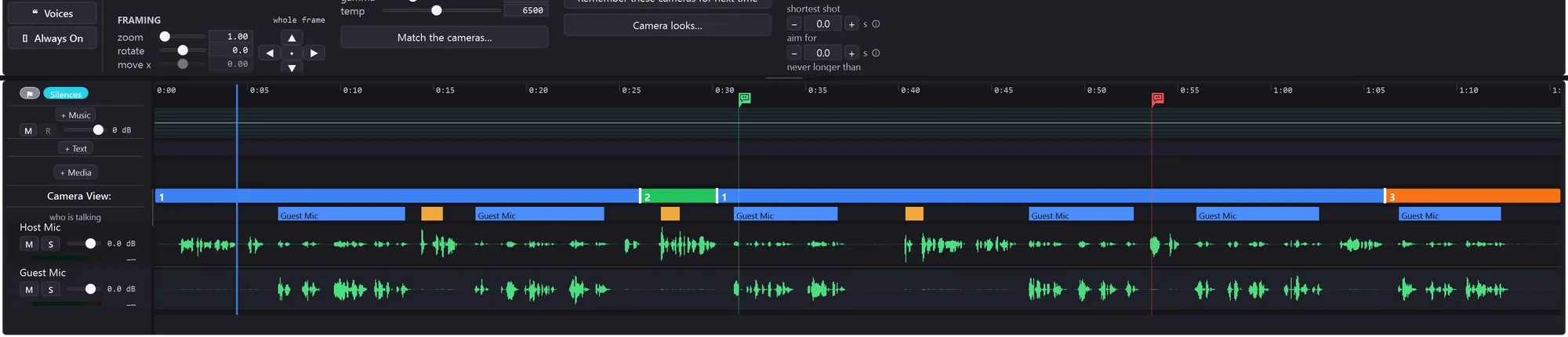
Measure the session and TunaCut knows who was talking on which microphone, where every pause is and what kind it is. Add a transcript and it can rank the reasons to change camera — a speaker change, a splice that needs covering, a topic change, a shot going stale — and write them into a new Cut.
Your rough pass is never touched. Everything generated lands beside it as a separate Cut you can delete.
The same analysis that finds the cuts finds the moments worth pulling out. Each one becomes its own vertical Cut, cropped to the head where one person is talking and letterboxed over a blurred copy where two are.

One conversation
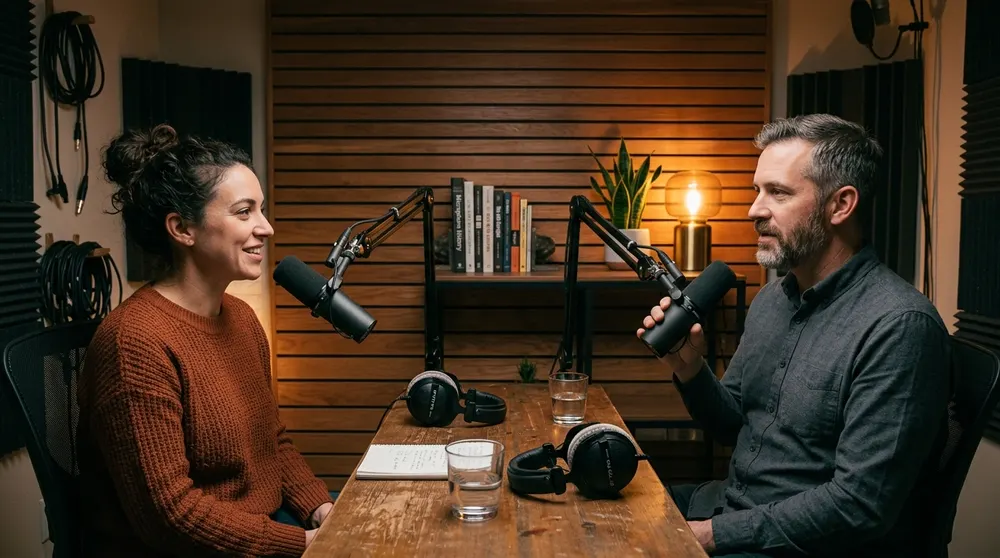
Every angle is recorded whole. Nothing is thrown away at record time, so the question of which one to use stays open for as long as you want it to.
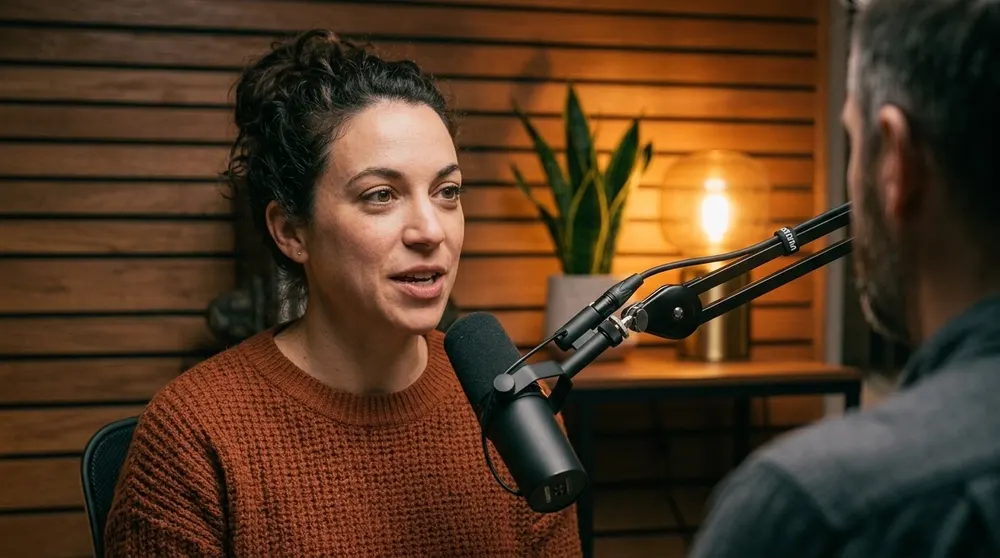
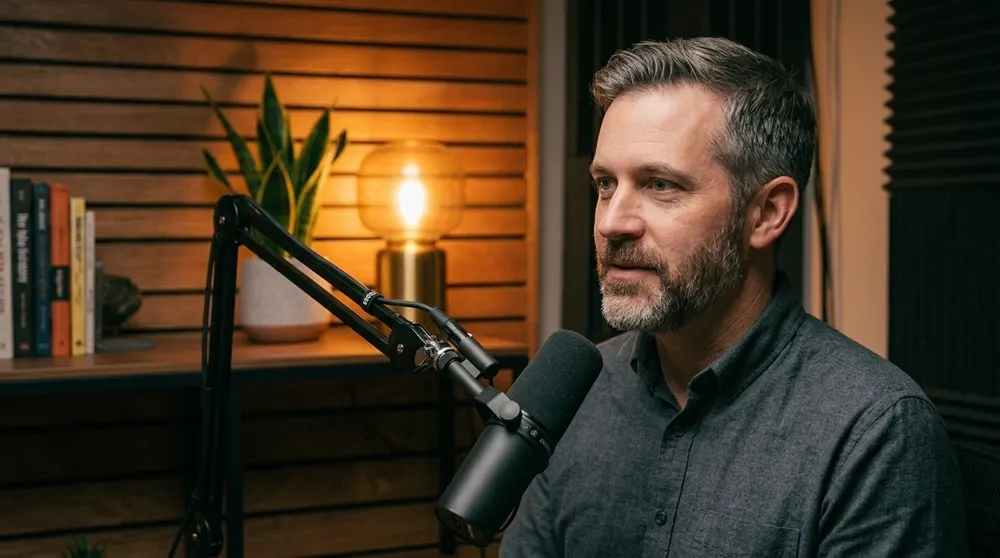
Not by the editor, not by an export, not by anything TunaCut generates. Every version of a video is a separate file beside the originals.