TunaCut
Record

TunaCut Recorder

An ISO recorder: N sources in, N independent files out, all of them landing in one session folder. No compositing, no program output, no streaming — because every one of those is a decision that cannot be taken back.
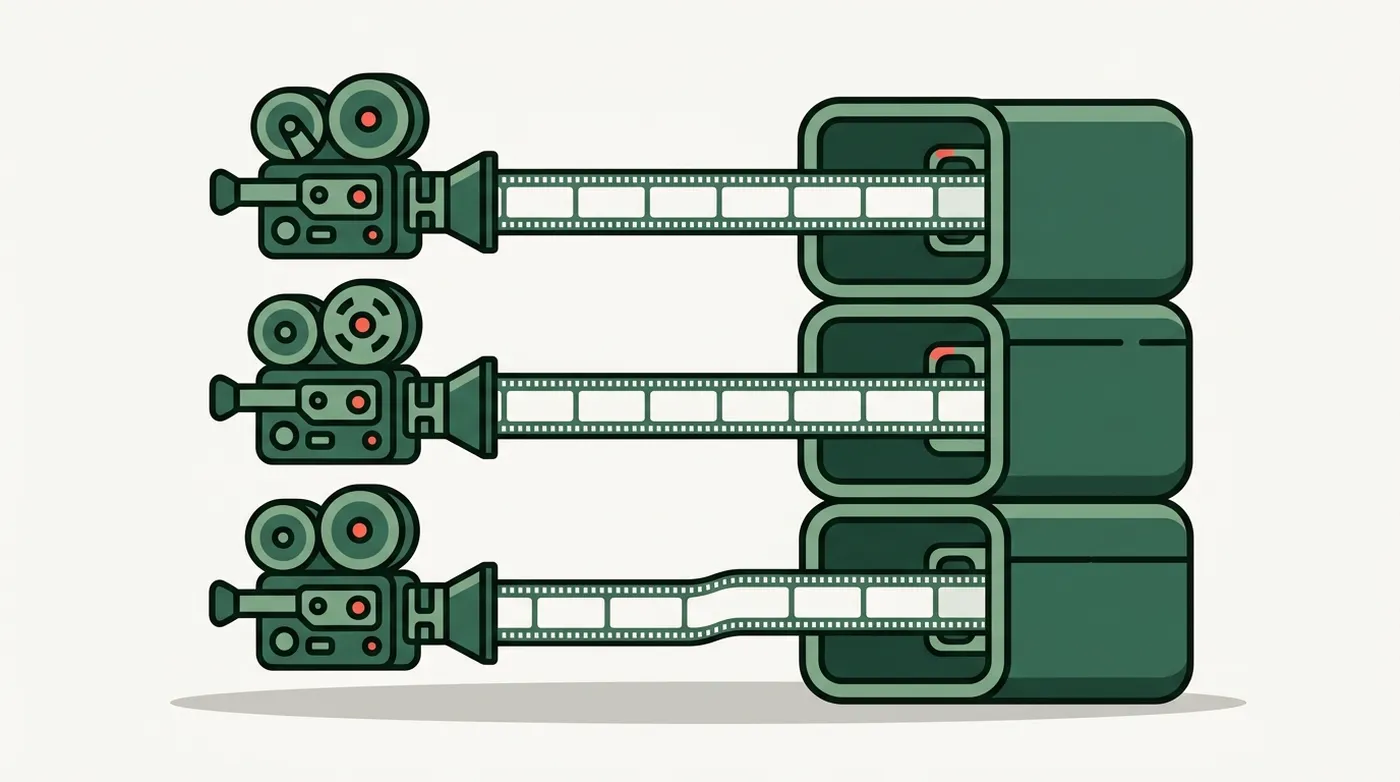
The promise it is built around

Everything below follows from one rule: a crash of any single component must never destroy any recording.

Sources

Four kinds of thing you can point at it

  • Video + audio — a capture card or HDMI device, optionally with the audio embedded in the same input so the two can never drift apart.
  • Audio only — a microphone or line input, written as .mka at 24-bit. Audio-only tiles are half height and pair up, so six microphones do not push your cameras off screen.

  • Desktop view — a screen region, not just a monitor: four insets from the edges with a red box you can drag. Two capture backends, and Windows' own sound captured in-process rather than through a virtual cable.
  • GoPro over USB — records to its own card at full quality, shows a live preview tile while it does, and pulls the clips into the session folder when you stop.

While it runs

Everything that matters, on one bar

The recorder status bar: record button, marks, session timer, bytes written, free disk, and CPU, GPU, encoder, VRAM and RAM readings
The real status bar. ENC is the GPU's video encode engine and is system-wide — if something else on the machine is encoding, you want to know.

Setup

Profiles, so a rig is set up once

The recorder top bar: profile picker, save, session title, and buttons for the editor, teleprompter, settings and adding a source
A profile is a whole multi-source rig — devices, formats, encoders, order. If one device is unplugged its tile reads MISSING and everything else still records.

It asks which session before it lets you record

The open session is a pointer that survives the app closing, so launching and pressing record used to append to whatever was last recorded — possibly days ago, on a different shoot. Naming the three real options at launch makes continuing an answer rather than a default.

The session dialog: continue last session, open an older session, or start a new one

Then hand it to the editor

The Editor button opens the same session with every angle already synced from its own audio.