Most prompters put your script over the thing you are recording. This one puts it around it — two strips docked to the top and bottom of the desktop, with a clean 16:9 hole between them that is exactly the rectangle being captured.
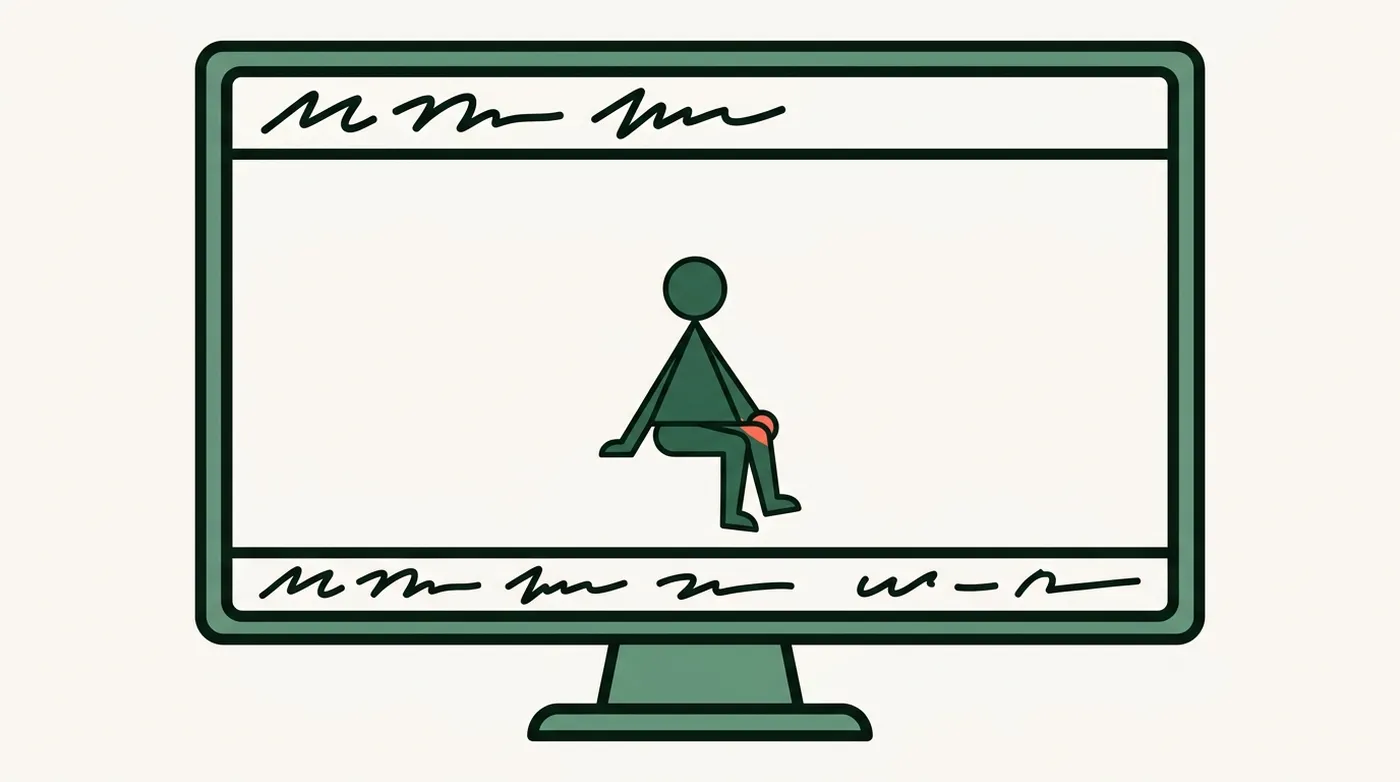
If you are recording your own screen — a demo, a walkthrough, anything where the camera is you and the content is the display — a prompter overlay ends up in the recording. Reserving space instead means the script is on screen for you and absent from the file.
Press Teleprompter in the recorder and three things happen at once: the strips go up, the recorder's desktop capture region snaps to exactly the free area between them, and the floating record panel docks into the bottom of the prompter's own control bar.
So the thing you look at while you talk and the thing that stops the take are in the same place, and the region you configured and the region being recorded are the same rectangle by construction rather than by hand.
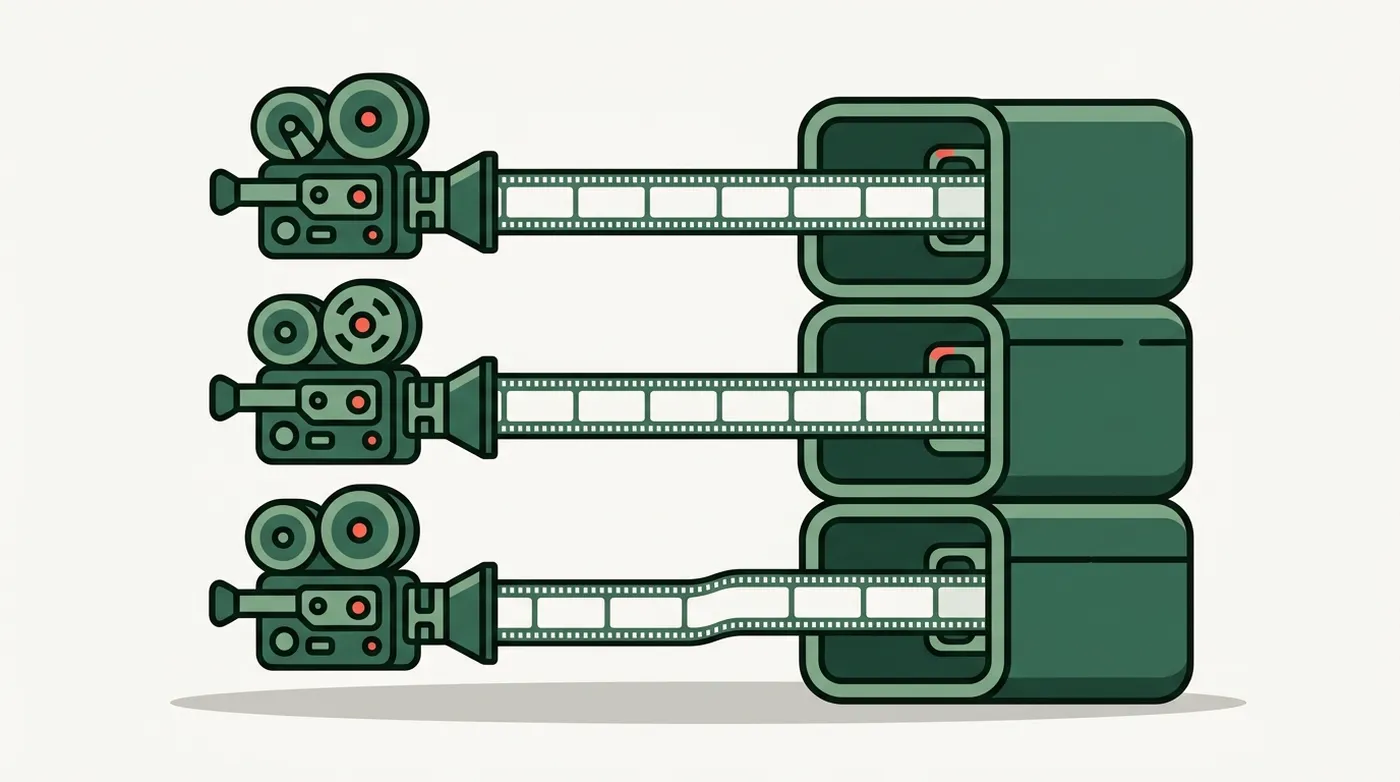
Then the session lands in the editor with the screen region as just another angle.
 TunaCut