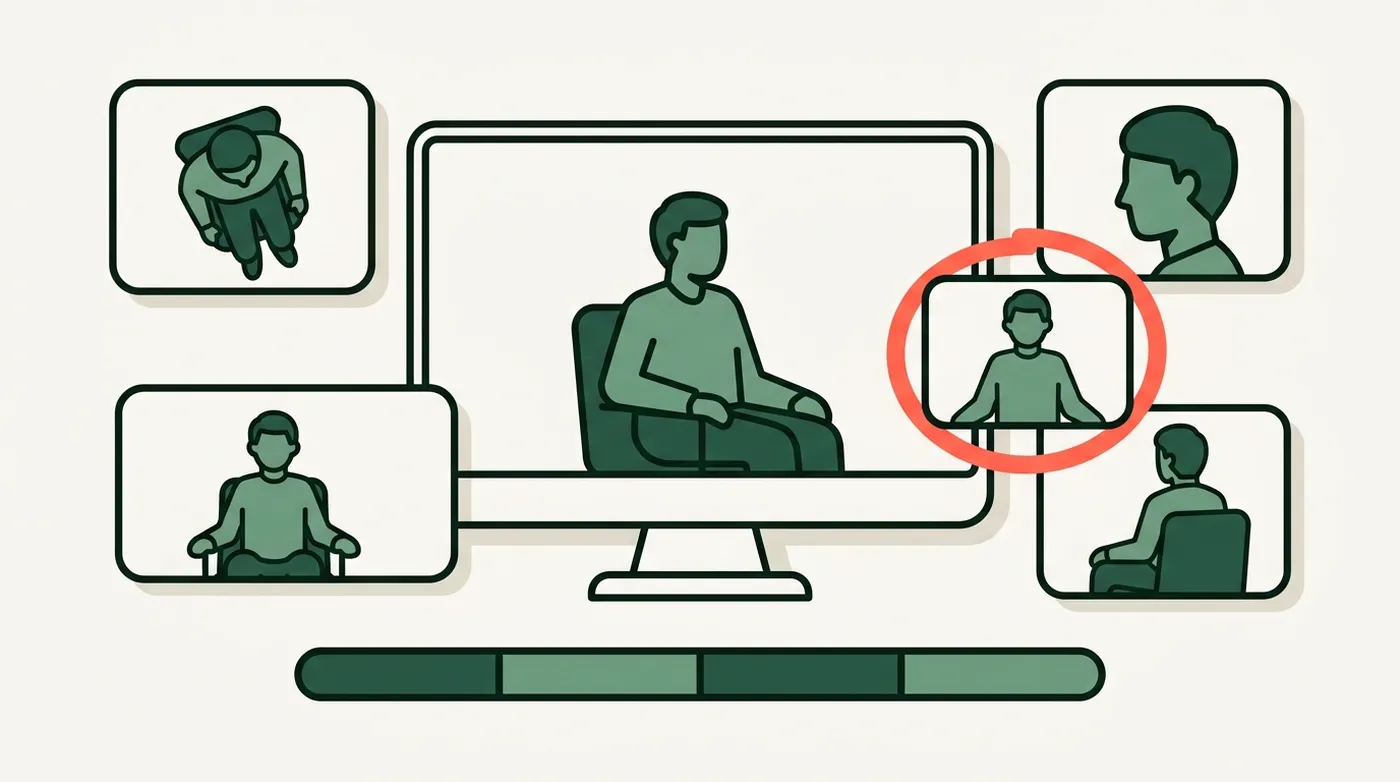
A real editor with multicam switching at its centre. The top lane of the timeline is not a video track — it is a contiguous record of which camera is on screen, and editing is mostly the act of changing your mind about that.

The timeline
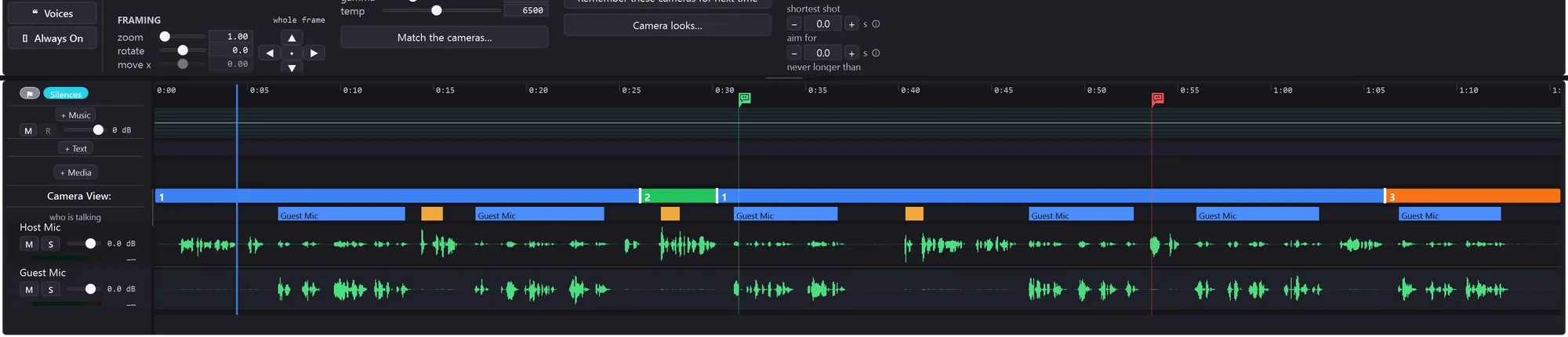
Sync is measured from the audio and shown as a number you can argue with — nudge it by a frame or ten, or type the offset in seconds.
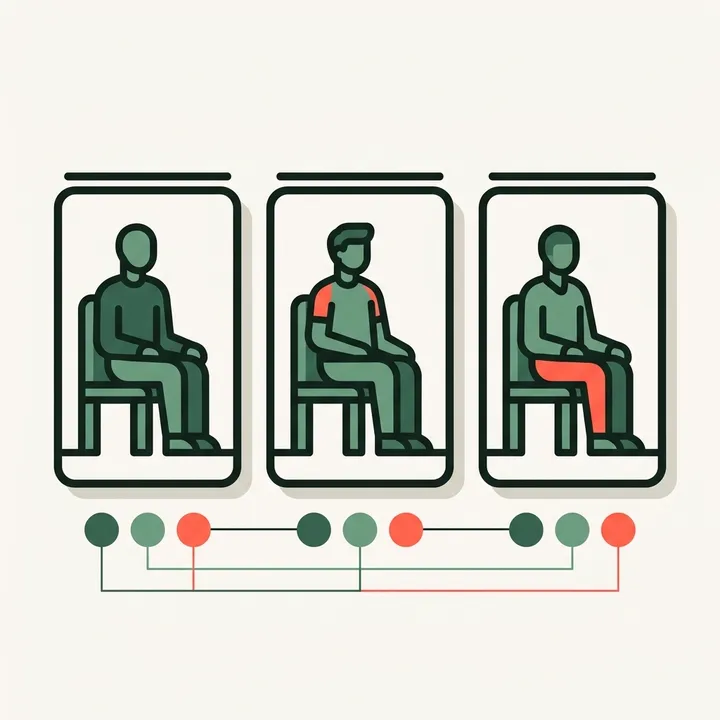
Match the cameras pulls three angles into one look, which matters most when they are different bodies with different sensors. Framing nudges, a fill-the-frame control and named camera profiles that carry from one shoot to the next sit beside it.
Measure is local and free: the speech envelope, the speaker track, and every pause classified — a breath, a gap between sentences, or dead air worth removing.
Transcribe adds the words, with each word boundary snapped to the nearest real speech edge from the waveform rather than trusted from the transcript, because transcription drifts by a few frames and a cut lands on a frame.

Cuts
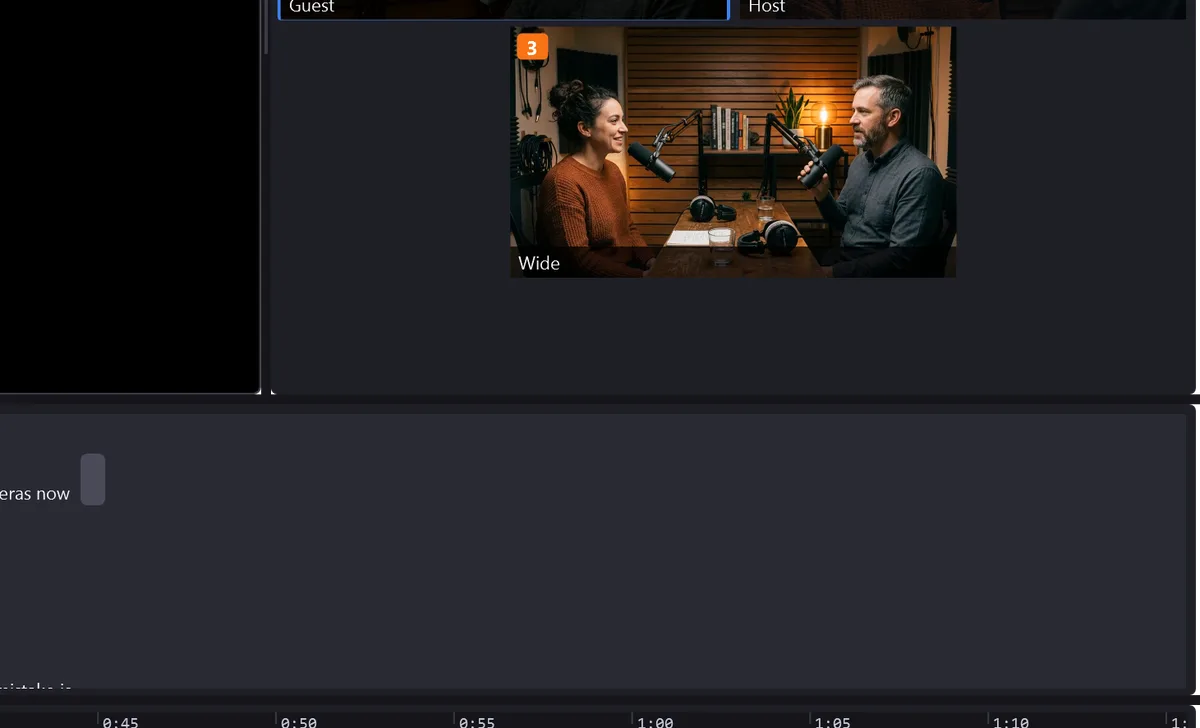
A Cut is a whole finished version of the recording, kept as its own project file beside your rough pass. Generating one is safe because the Original is never modified — the worst outcome of pressing the button is a file you delete.

Turning 16:9 into 9:16 is a framing decision, so TunaCut makes it per shot. Where one person is talking the crop follows the head; where two are in frame the whole picture is kept and the space above and below is filled with a blurred copy of it.

Normalise the microphones to a target loudness — −16 LUFS for a podcast, −14 for YouTube — even out loud and quiet delivery, reduce the bleed between two microphones in one room, and stop anything clipping. Every one of them is reversible in a click.
Play, shuttle forward and back, step a frame, jump to the next camera change or the next mark, split, skip, set in and out, insert media, add a title — all rebindable, keyboard and mouse alike.
A Blackmagic Speed Editor is supported directly: jog, shuttle and scroll wheel modes, the camera keys lit to show which angle is live, and an exportable key map.
Export
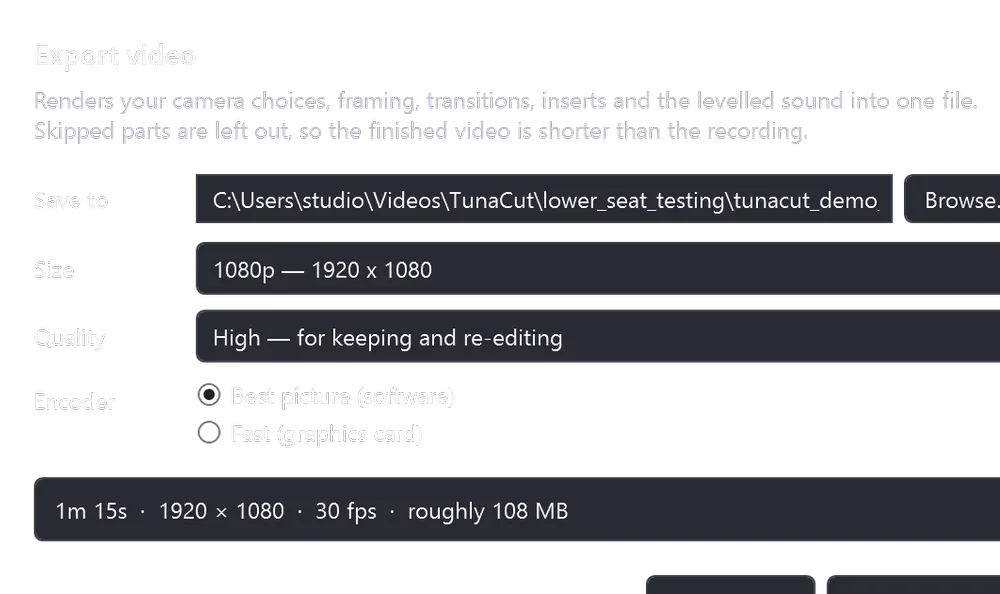
720p to 4K, and a quality choice phrased as what the file is for: keeping and re-editing, uploading, or sending to someone. Software encode for the best picture, hardware when you would rather have it now.
You can keep working while it runs. And the line at the bottom of the dialog is the whole philosophy of the application: your recordings are never modified.
Five steps: build the preview media, mark what is left out, say who is on each microphone and which camera is theirs, match the cameras to each other, and set the reference head for vertical clips. Then it offers to cut the cameras together.
 TunaCut